How to organise a job search: a simple 5-step system
Most job searches fail from disorganisation, not from lack of effort. Here is a simple system for tracking roles, planning your days and following up on time.
 Haritt Group
13 Oct 2026 · Updated 13 Oct 2026 · 4 min read
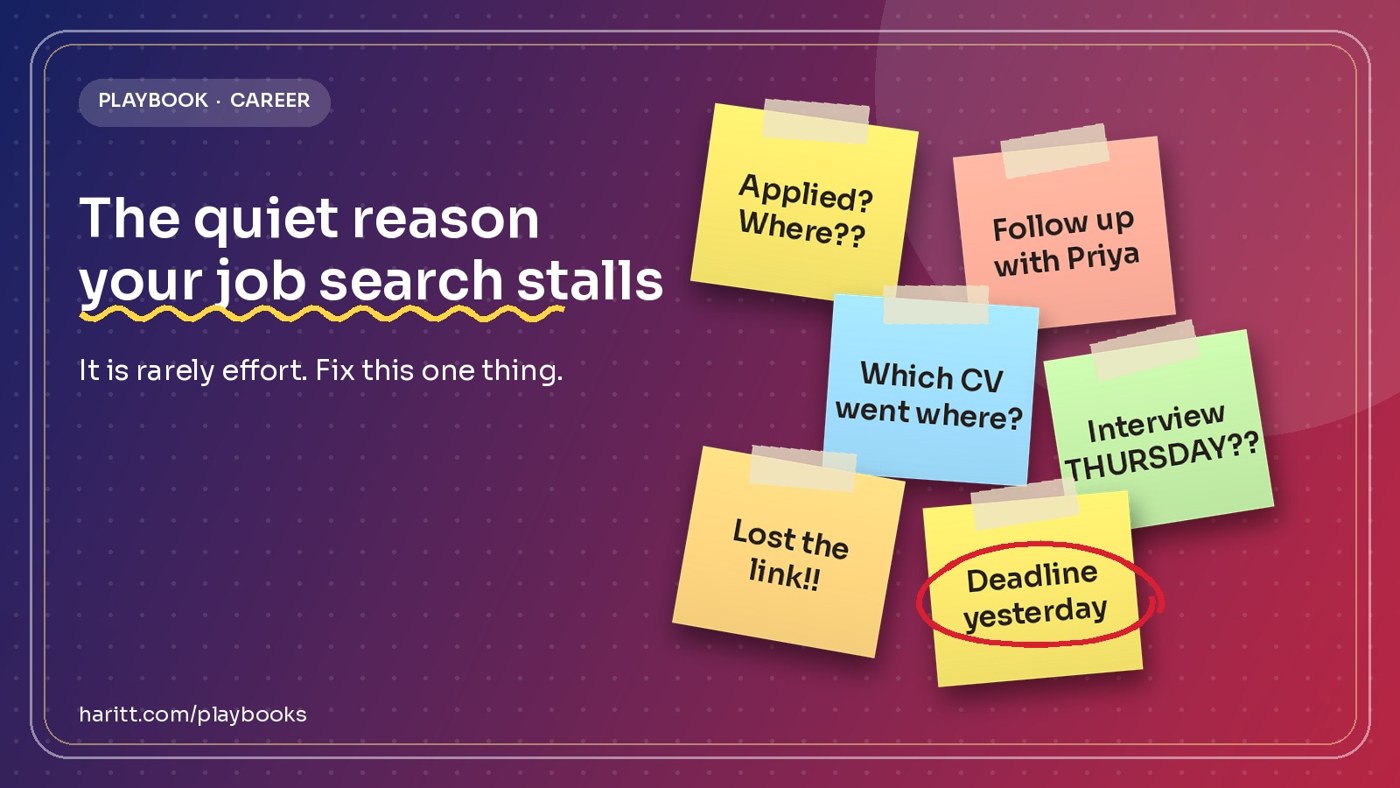
A job search is a project with many small moving parts: roles you saved, applications you sent, people you need to follow up with, interviews to prepare for. Most people run it from memory and open browser tabs, and then lose good opportunities to plain disorganisation. This guide shows a simple system you can set up in an afternoon.
Why job searches fall apart#
Effort is rarely the problem. The usual failures are quieter: you forget which version of your CV went to which company, a recruiter replies and you miss it for a week, or you apply to twenty roles in a rush and cannot say why you chose any of them.
Step 1: Keep every role in one place#
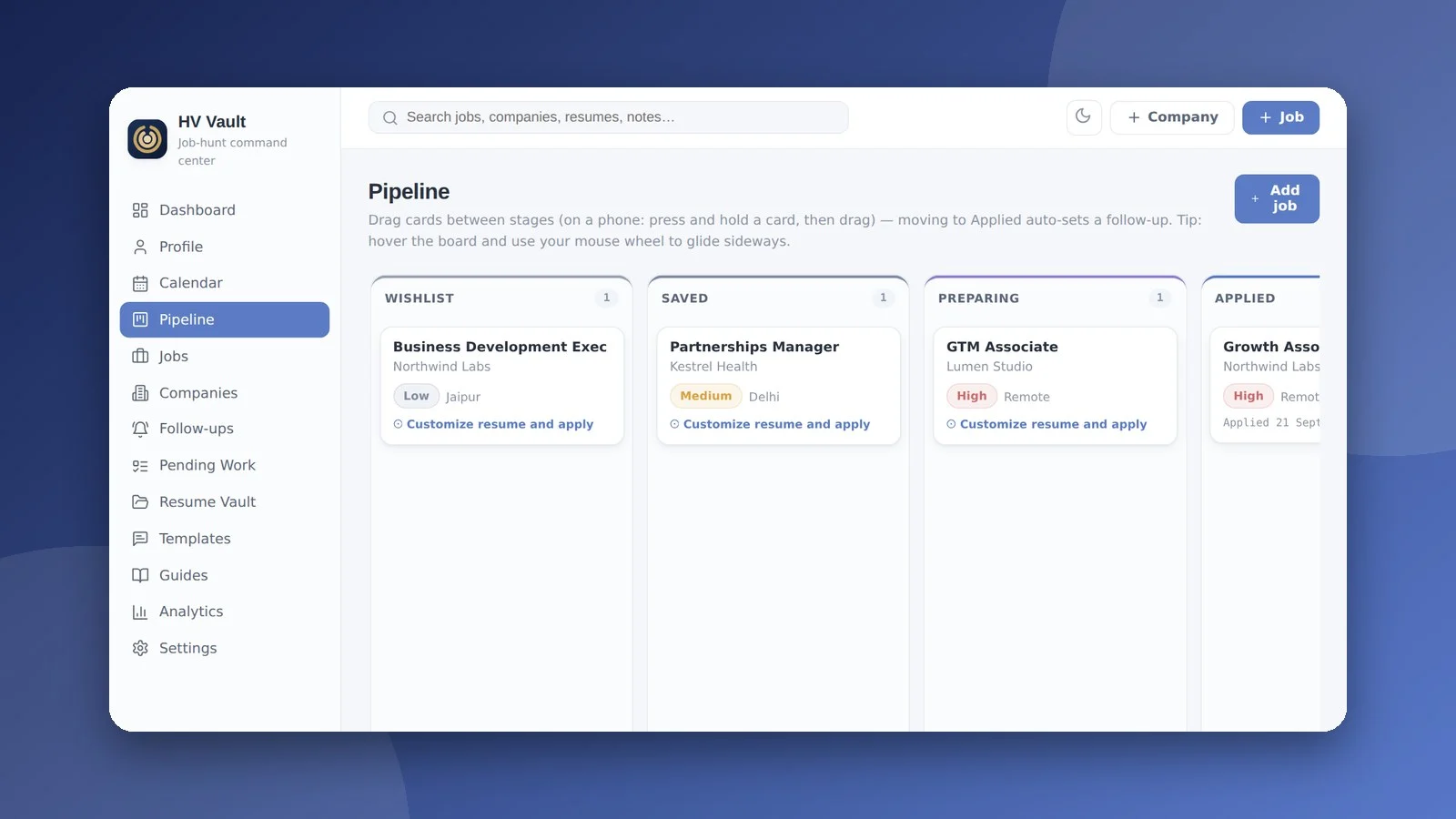
Pick one home for all roles and companies. A spreadsheet works. A dedicated tracker such as HV Vault does the same job with less typing, because you can save a job from a link instead of copying details by hand. What matters is that nothing lives only in your head or in an open tab.
Step 2: Record the few details that matter#
| Detail | Why it matters |
|---|---|
| Role and company | So you can compare options fairly |
| Date applied and CV version | So you know what each company saw |
| Contact person | So you can follow up by name |
| Next action and date | So nothing waits unnoticed |
Step 3: Plan the day, not just the search#
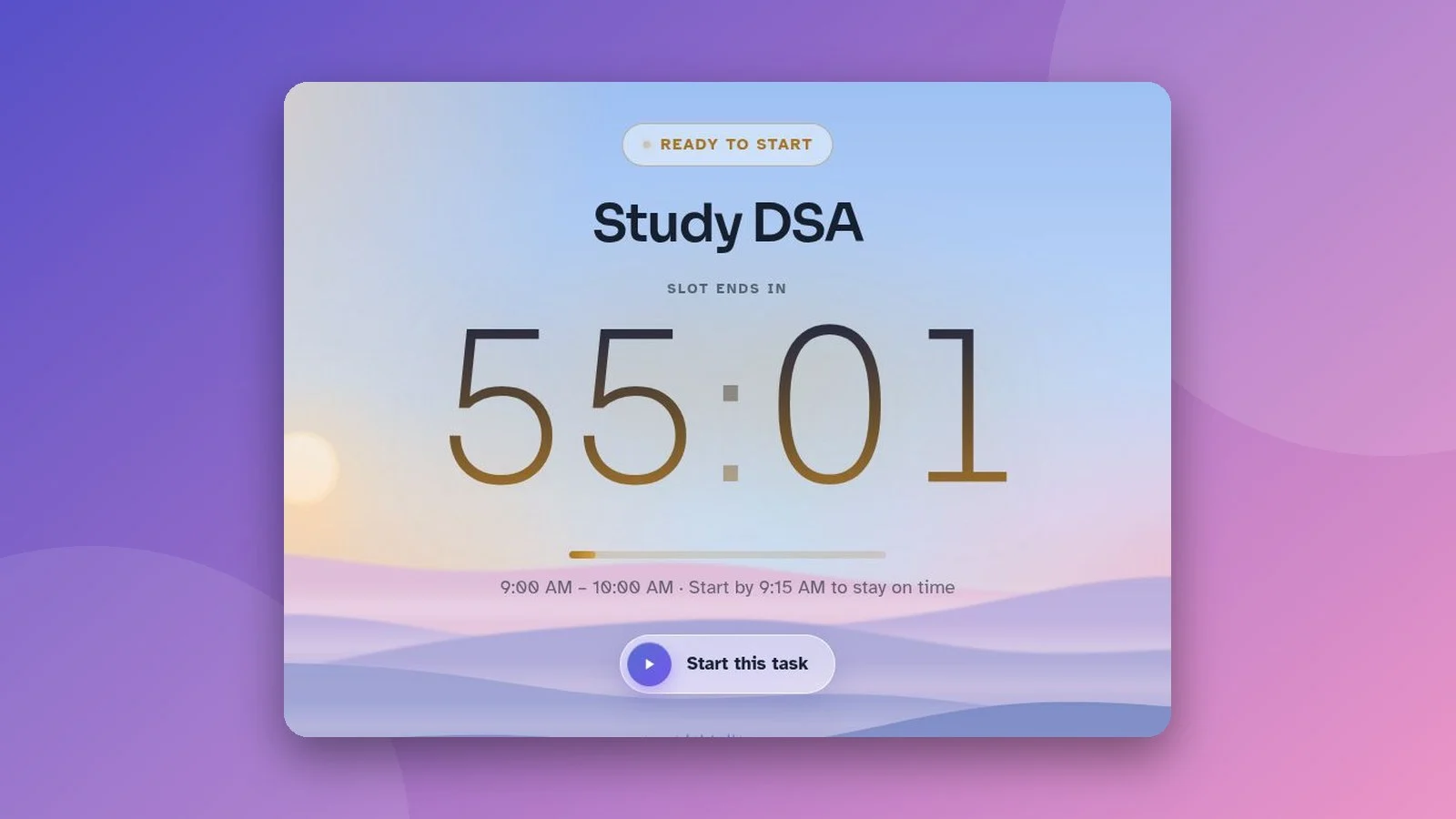
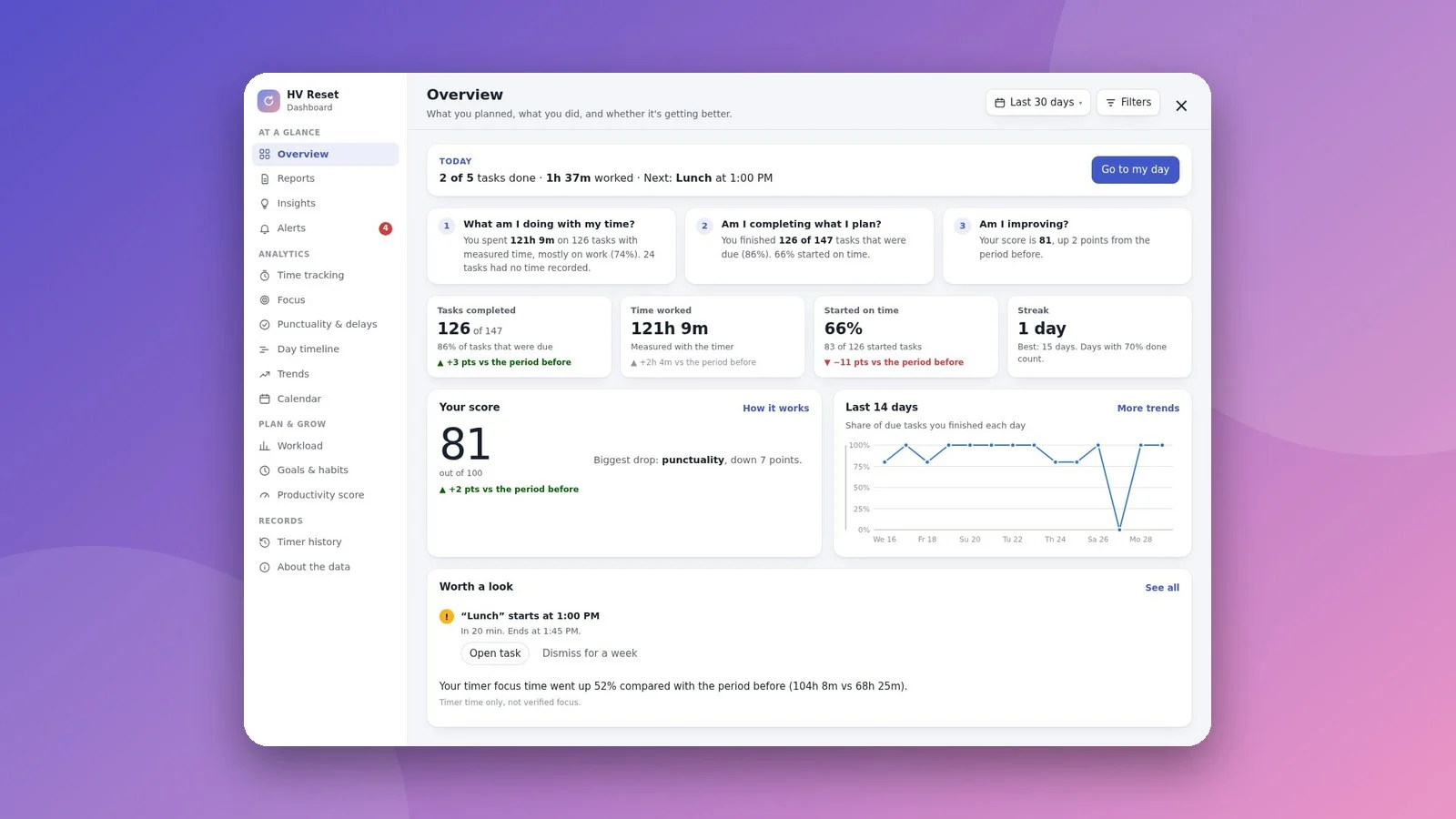
A long to-do list of applications creates pressure without direction. Choose two or three outcomes for the day, for example: send two tailored applications, follow up with one recruiter, practise one interview answer. A one-task-at-a-time planner such as HV Reset suits this, because it keeps one task on screen with a focus timer instead of a wall of tasks.
Step 4: Follow up on a schedule#
Following up is where most candidates lose ground, because it is easy to forget and slightly uncomfortable. Set the next action date when you apply. A short, polite message after about a week is normal. If there is still no reply, one more nudge is reasonable, then move on.
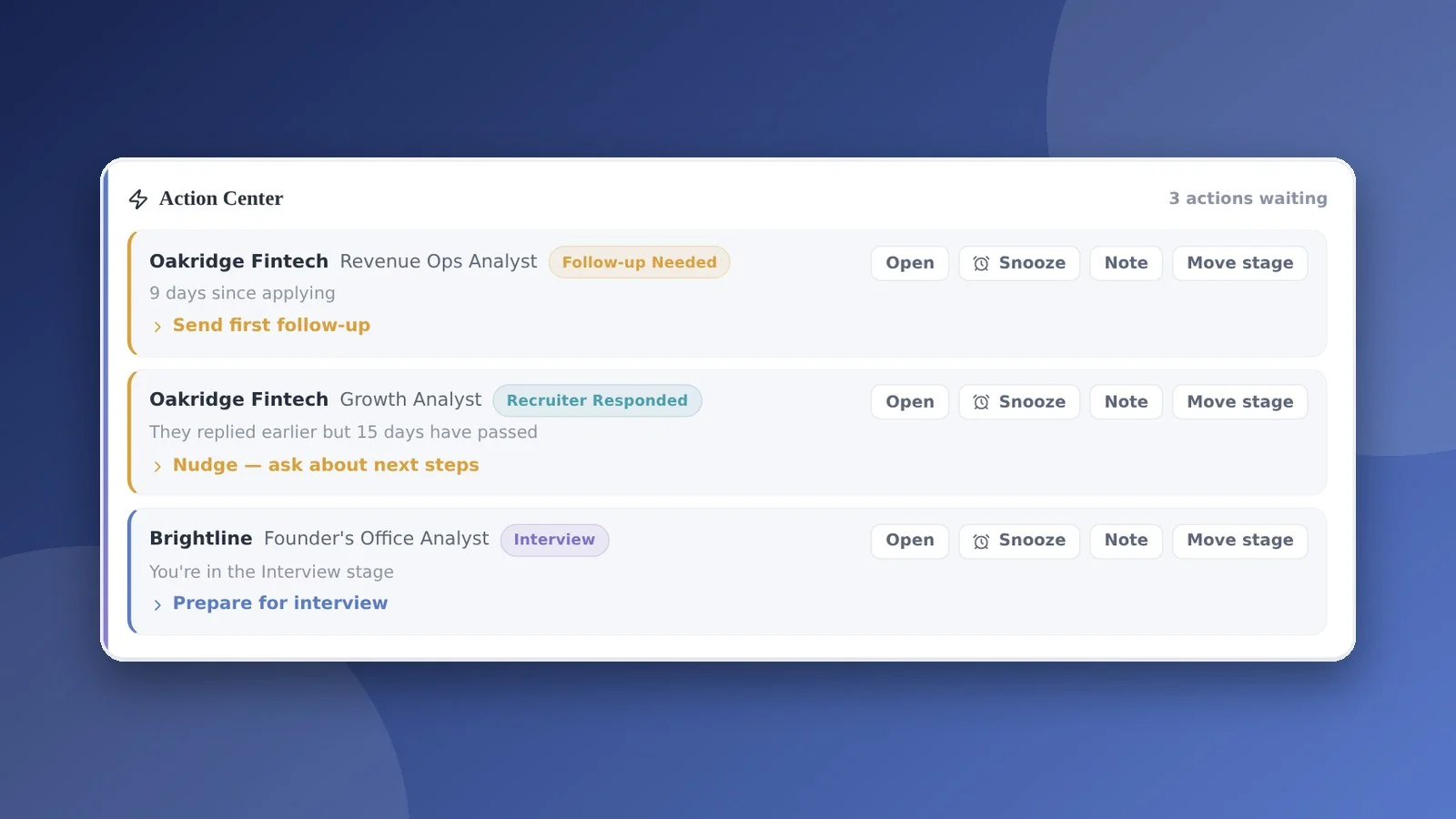
- Apply and write the follow-up date in your tracker.
- Send one short message on that date.
- If there is no reply, send one more a week later.
- Then mark it closed and put your energy into live opportunities.
Step 5: Review every week#
Spend twenty minutes once a week. Count what you sent, what got replies, and which roles are worth more time. Drop what is not working. This is also where you notice patterns, such as one type of role that keeps leading to interviews.
Using AI without losing your voice#
AI tools are useful for first drafts of cover letters, for tailoring a CV summary to a job description and for practice interview questions. Treat the output as a draft. Check every fact, keep your own examples, and remove anything that does not sound like you. Recruiters read many near-identical letters, and a specific personal detail stands out.
Your starter checklist#
- Choose one place for all roles and companies
- Add the five key details to every role
- Pick two or three outcomes for tomorrow
- Set a follow-up date on every application
- Book a 20 minute weekly review
Tools that can help#
You can run this system with a spreadsheet and a calendar. If you would rather have it ready-made, these two tools were built for exactly these steps.
How many jobs should I apply to each week?
How soon should I follow up after applying?
What is the best way to track job applications?
Can I use AI to write my cover letters?
Practical notes from the team building HV Verse, HV Reset and HV Hunt.